

MSQ-200E MAXSQUARE Mini DVI Extender Over CAT5e / CAT6
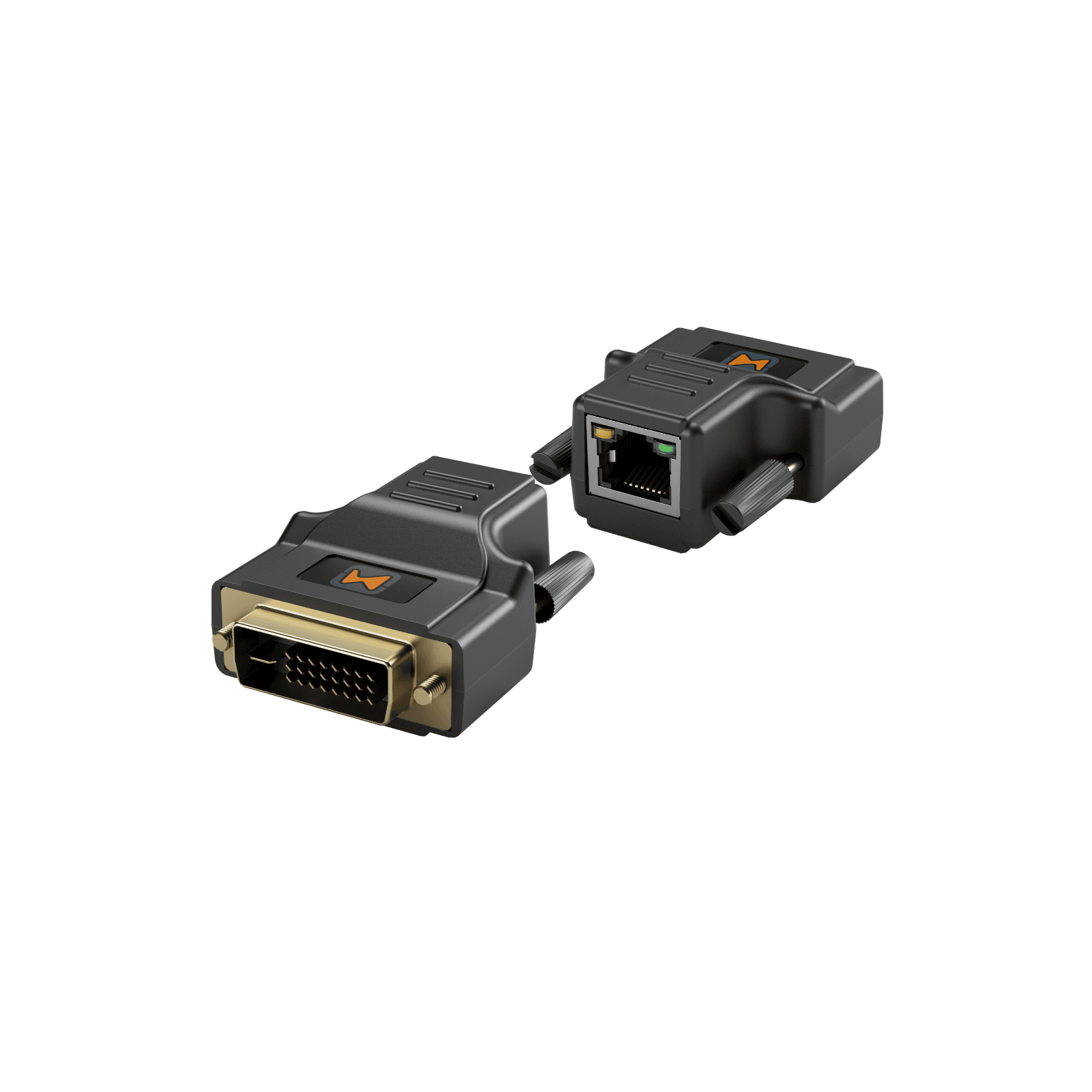
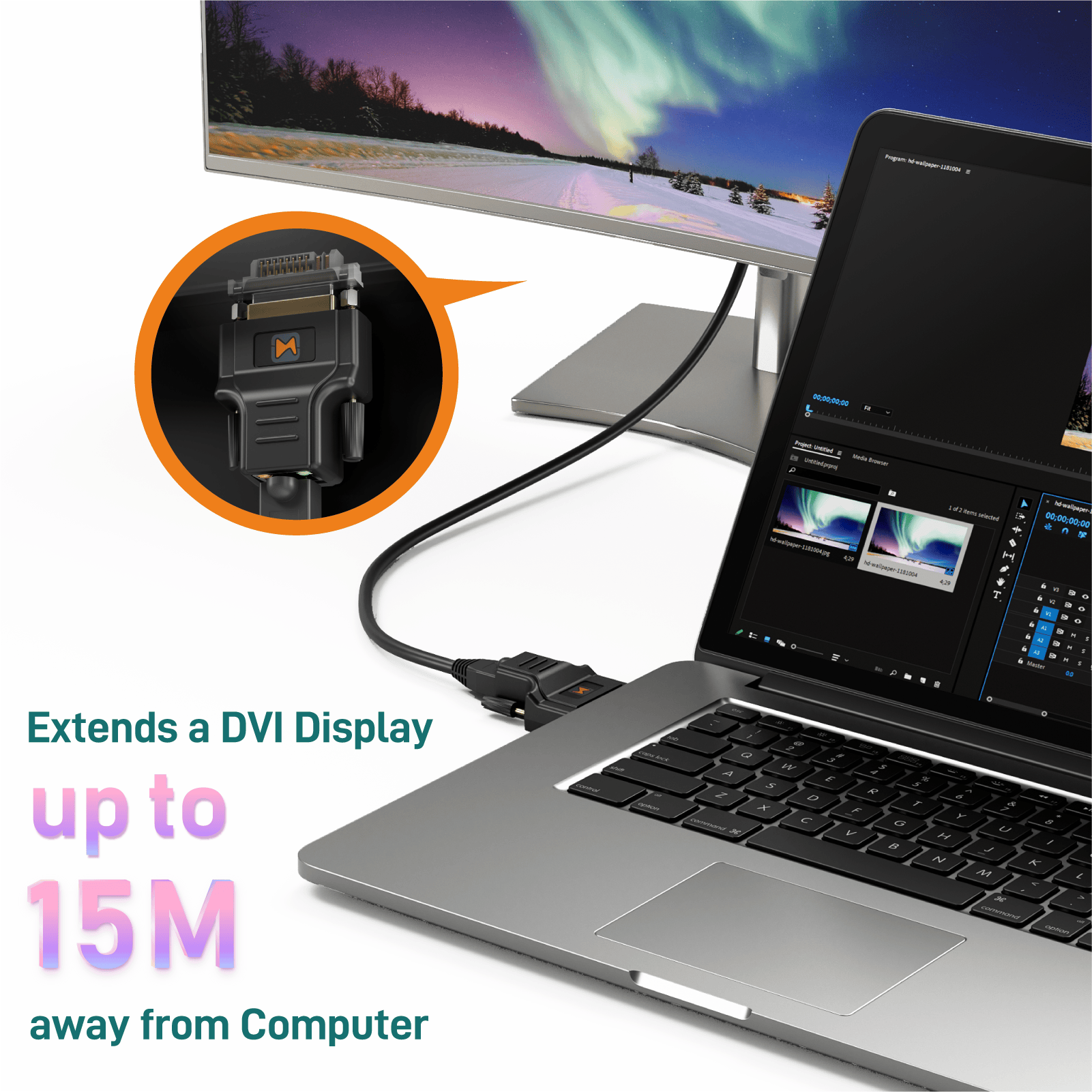
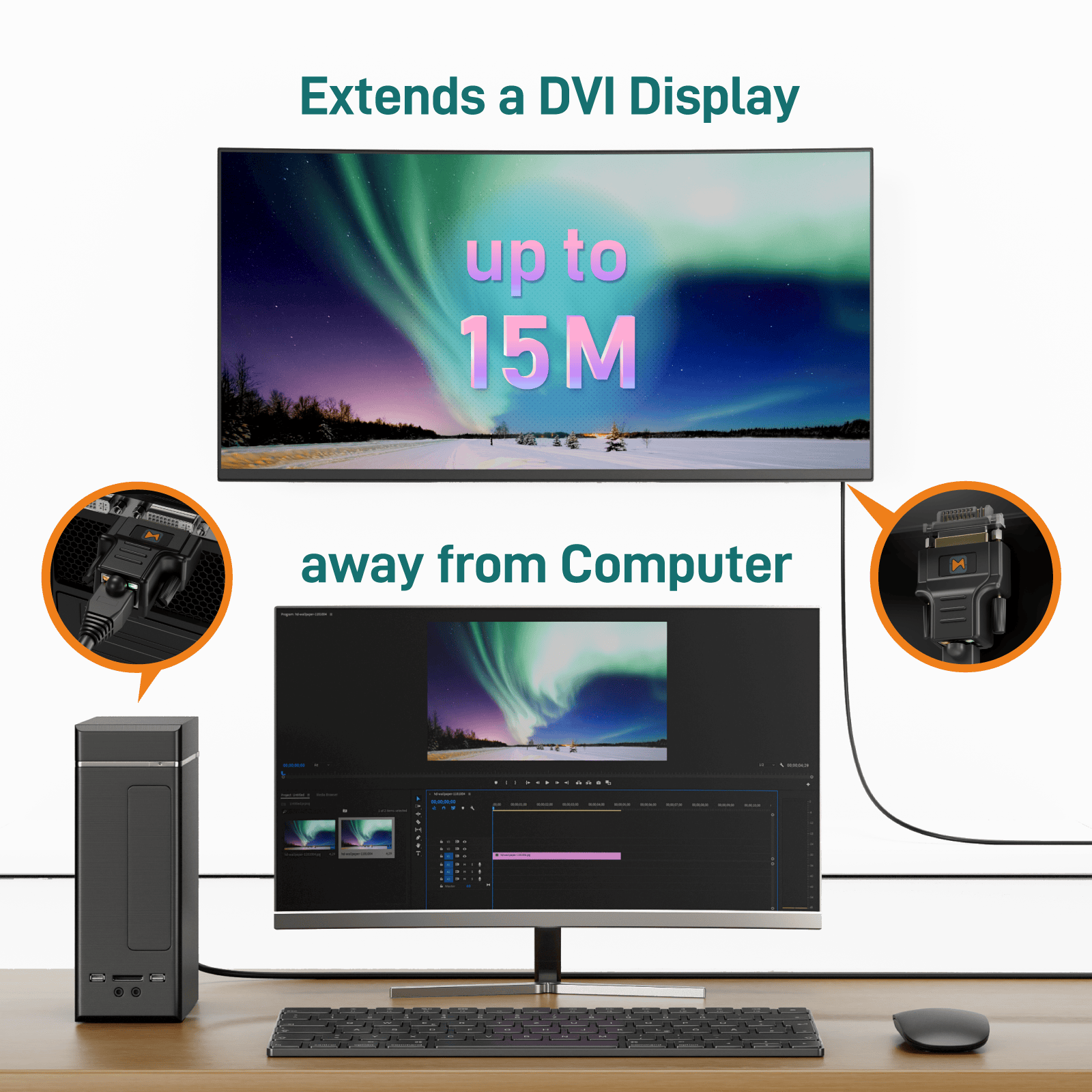
The MSQ-200E Mini DVI Extender over CAT5e/6 extends your PC DVI transmission distance up to 30m (100ft) with a resolution of 1024×768 @60Hz. With the MSQ-200E, users can send high quality digital video from PC applications to a remote display or projector through a single low-cost CAT-5/5e LAN cable, rather than using short and expensive DVI cables. With embedded EDID inside the extender, your PC will continue to send digital video even when the monitor is not connected. The user can then unplug the monitor, move it to a different position, and reconnect it without rebooting the operating system.
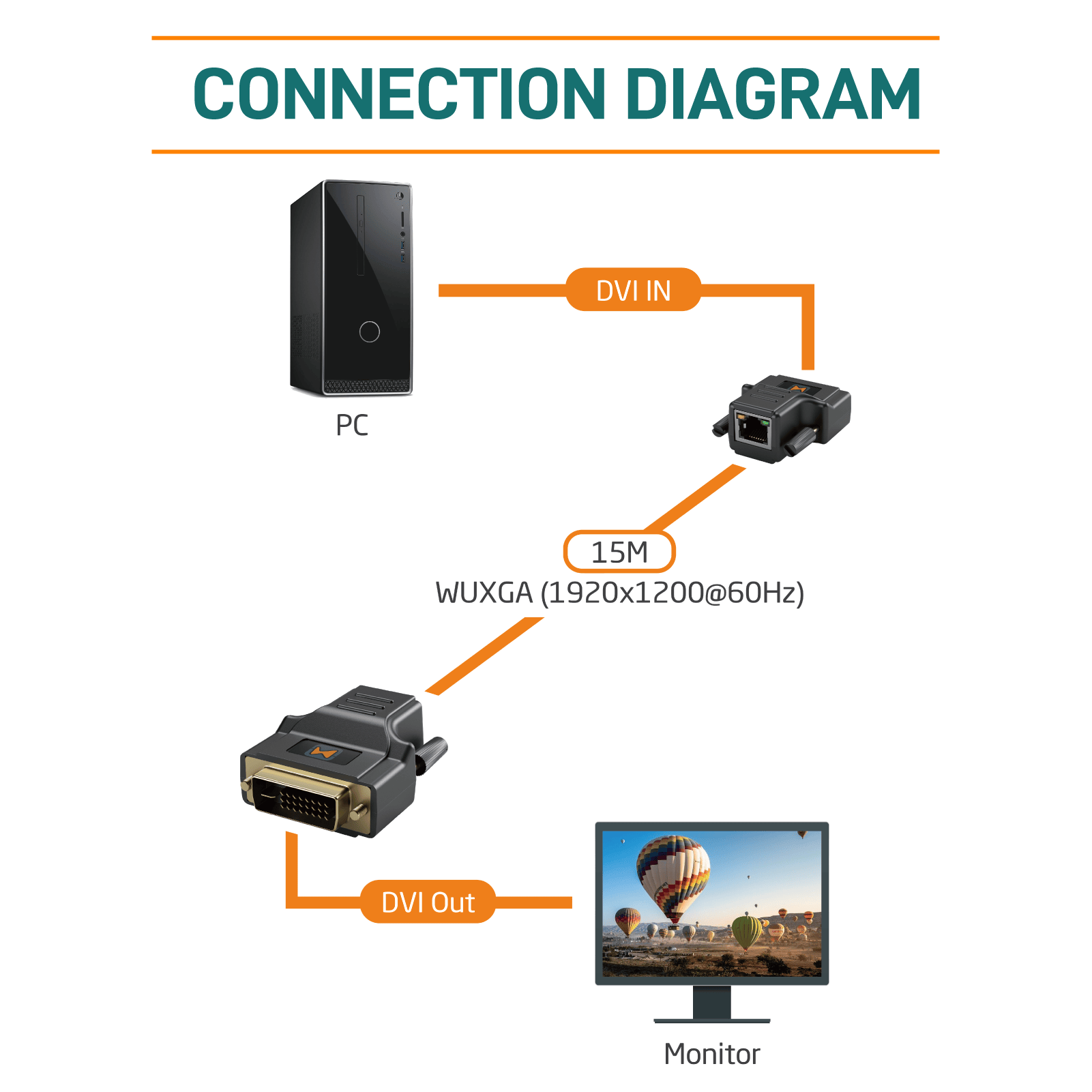
The MSQ-200E includes two identical units: transmitting and receiving units. The transmission unit is linked to your PC’s DVI output, while the receiving unit is linked to your monitor or projector. The two LED lights on each RJ45 connector will blink if the connection is successful. Transmission distances between transmitting and receiving devices can be up to 30m (100ft) in XGA(1024×768@60Hz) and 15m (50ft) in UXGA (1600×1200@60Hz). With compact size and requiring no power, the MSQ-200E is the most cost effective choice for bringing your impressive digital video to the remote display.
*The length depends on the characteristics and quality of the cables. Higher resolutions and longer transmission distances require low skew cables (<25ns/100m) for best performance. Unshielded CAT6 with metal RJ45 connectors is recommended.*

FEATURES & SPECIFICATION
- Transmission distance from the sources up to 30m (100ft) under XGA (1024×768@60Hz) or 15m (50ft) under UXGA (1600×1200@60Hz)
- Mini size & Lightweight: Only 4 x 5 x 2.5cm / 1.8 oz
- HDCP not supported
- No need for external power
- Plug and Play / No need for software
- Perfectly compatible with well terminated CAT.x cables
What's in the box
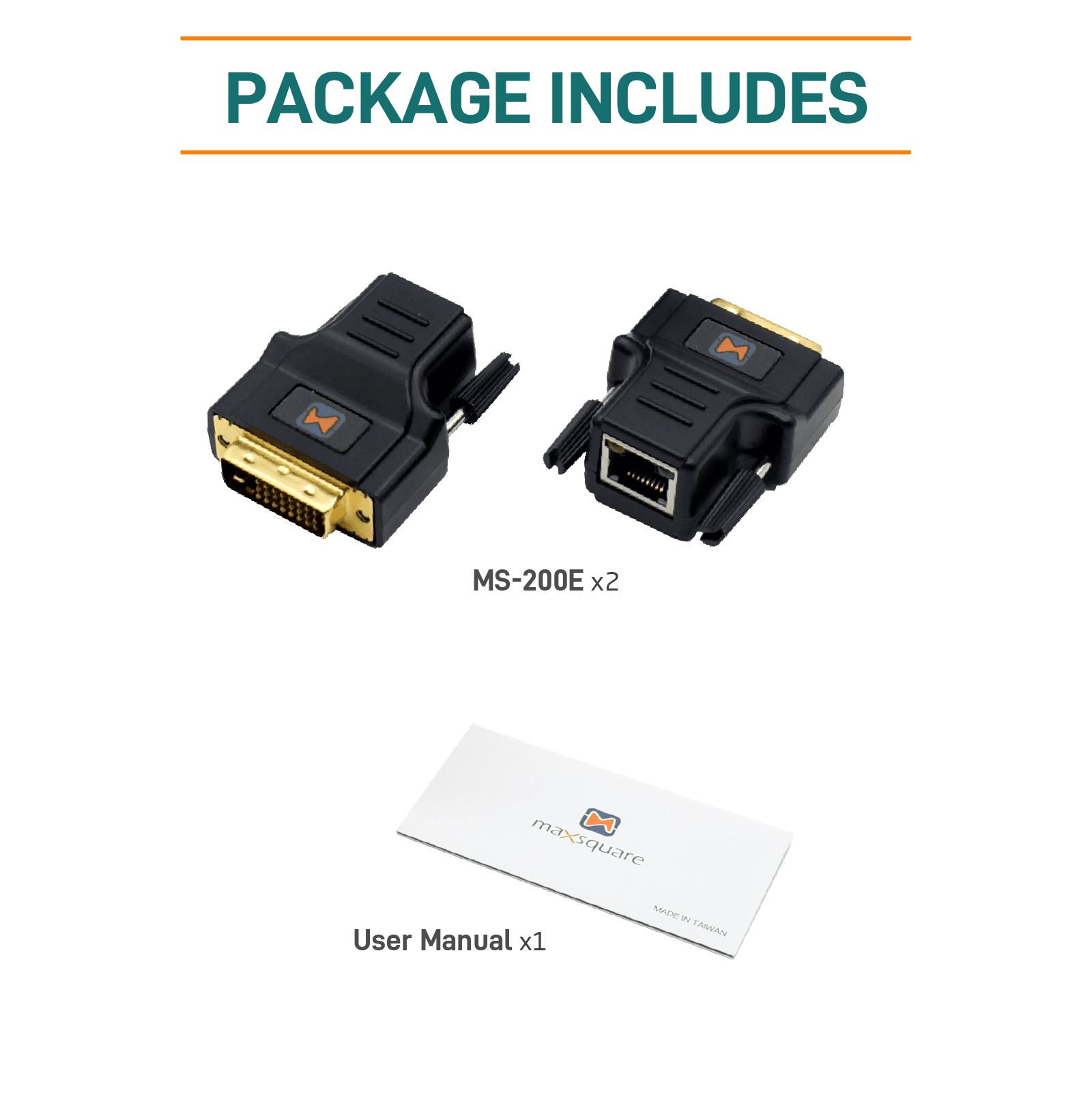
- 2x MSQ-200E dongle
- 1x User Manual
FAQ
A: Nope. No need for external power.
A: Please check your cable or try other source/display. It will depends on the quality of your cable, signal integrity of source, or reception capability of display.
A: Yes, however, the transmission length still have largely influences by your cable’s quality.
A: Nope.
A: The DVI interface itself does not support audio transmission. If audio transmission is required, it’s recommended to consider interfaces like HDMI, which are specifically designed to carry both high-quality audio and video signals.