
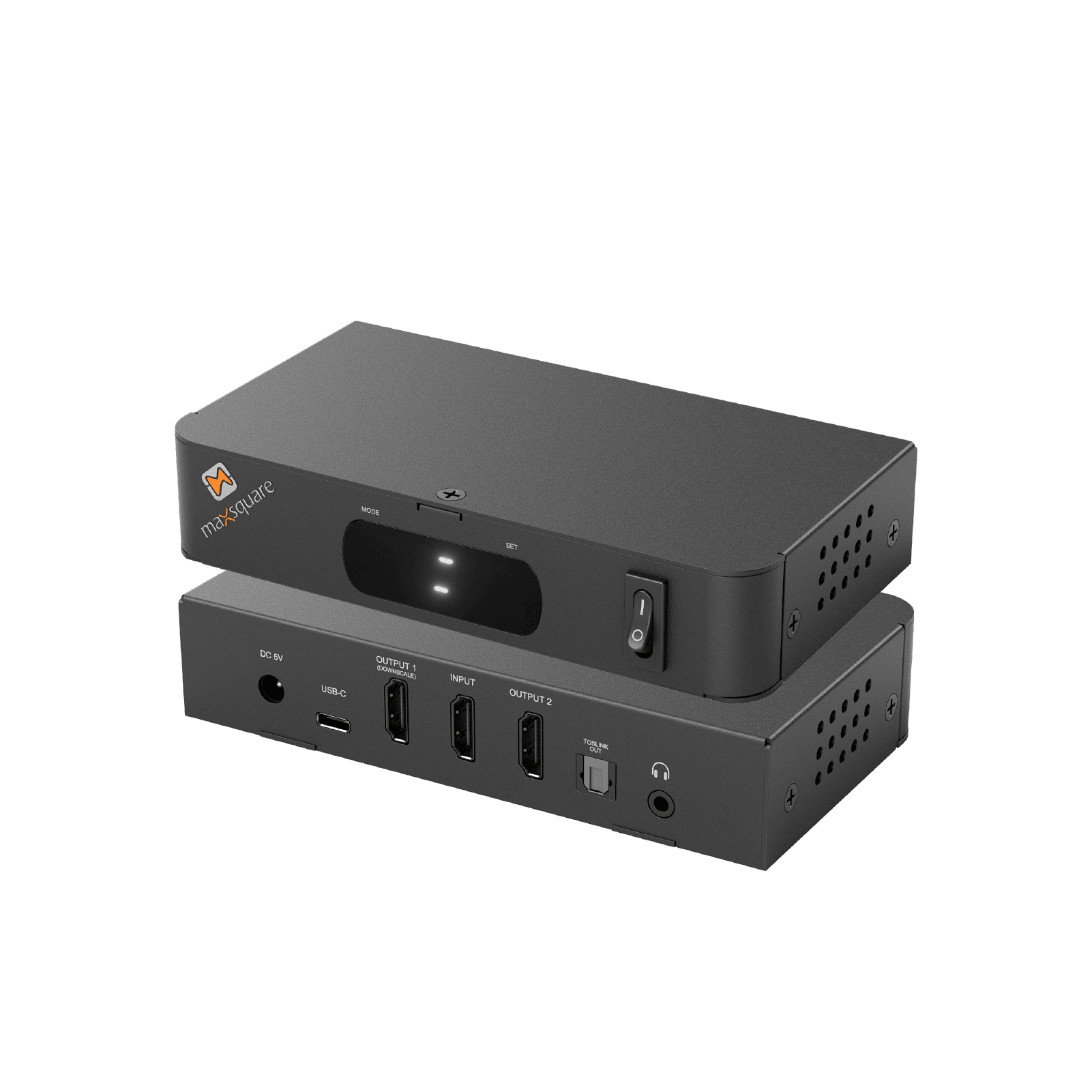
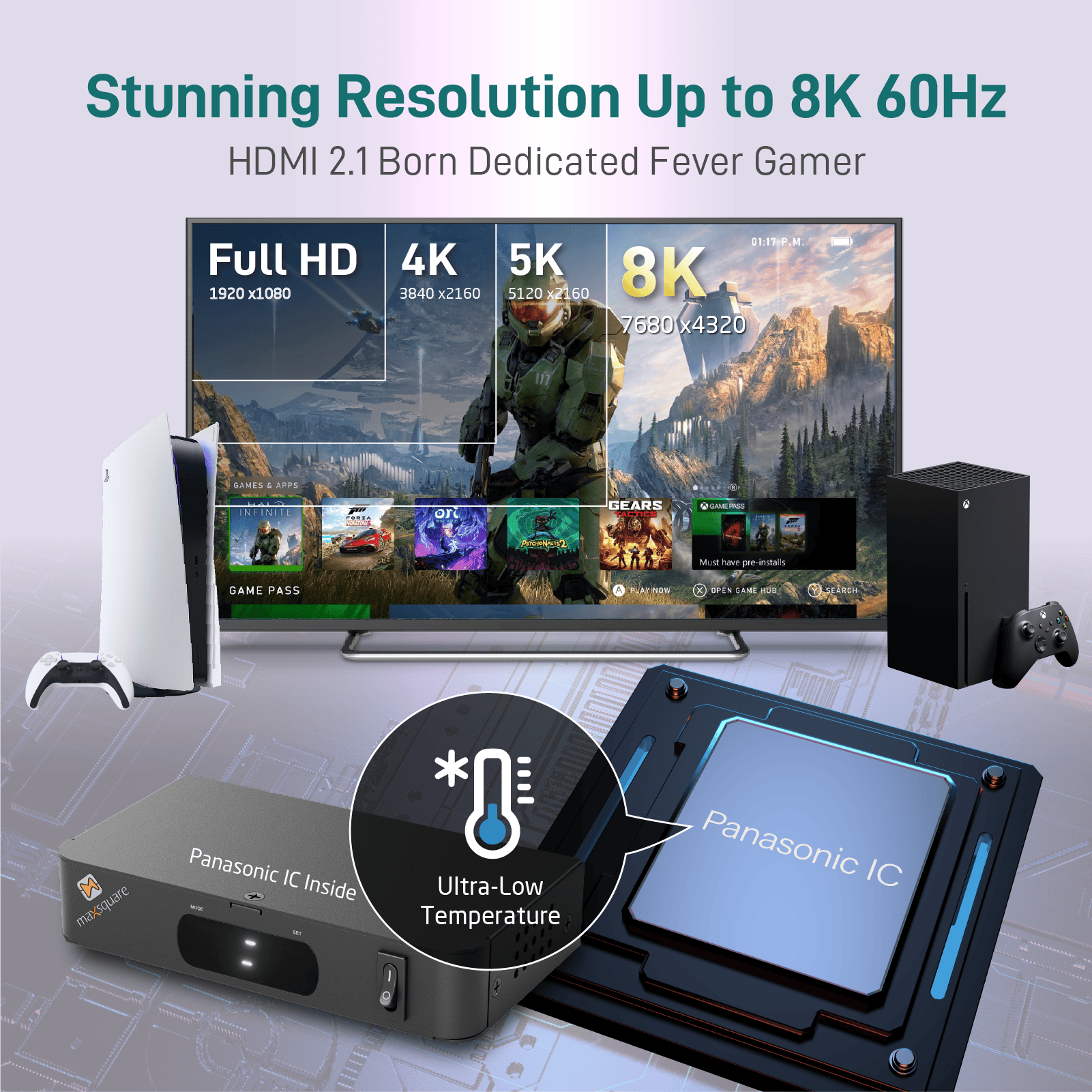
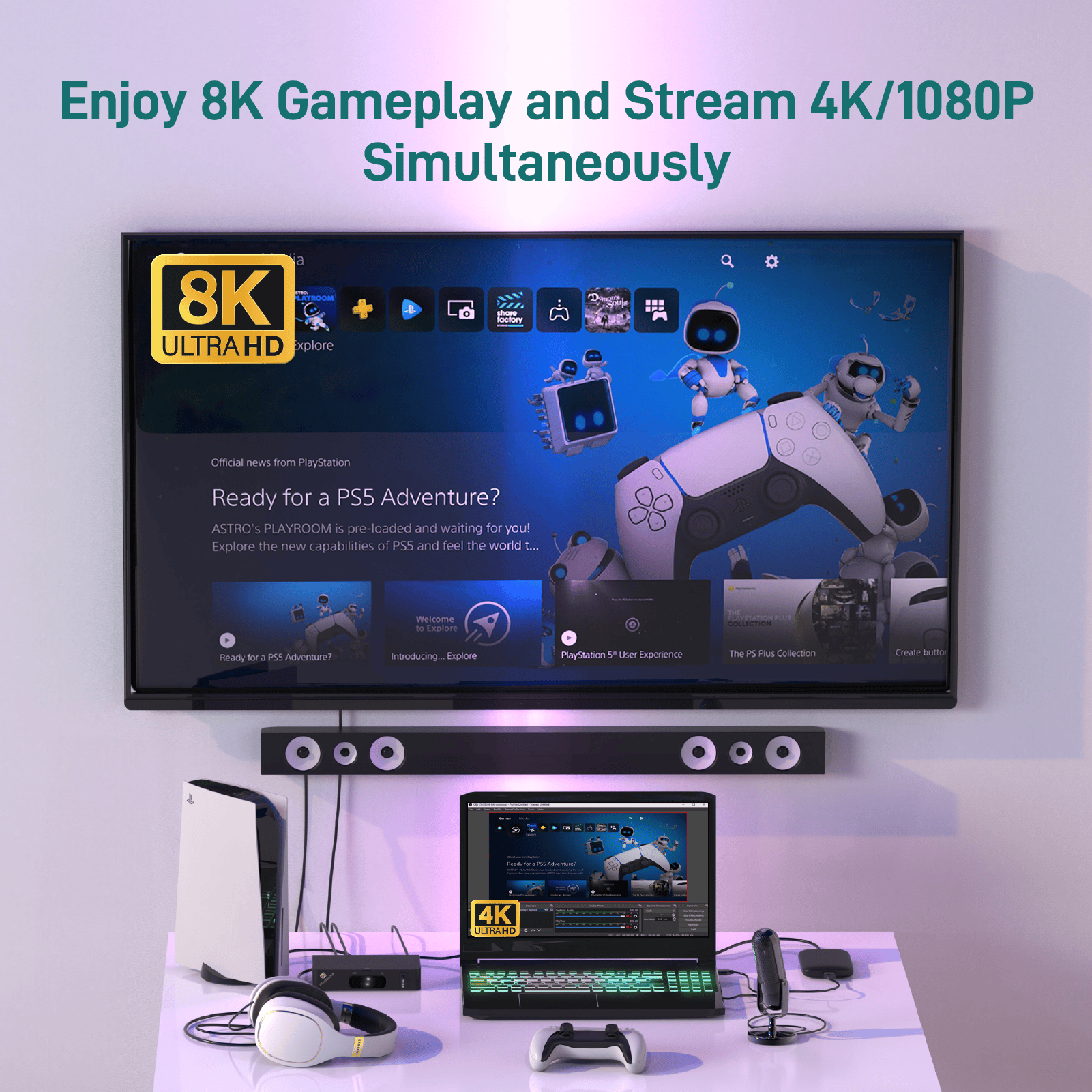
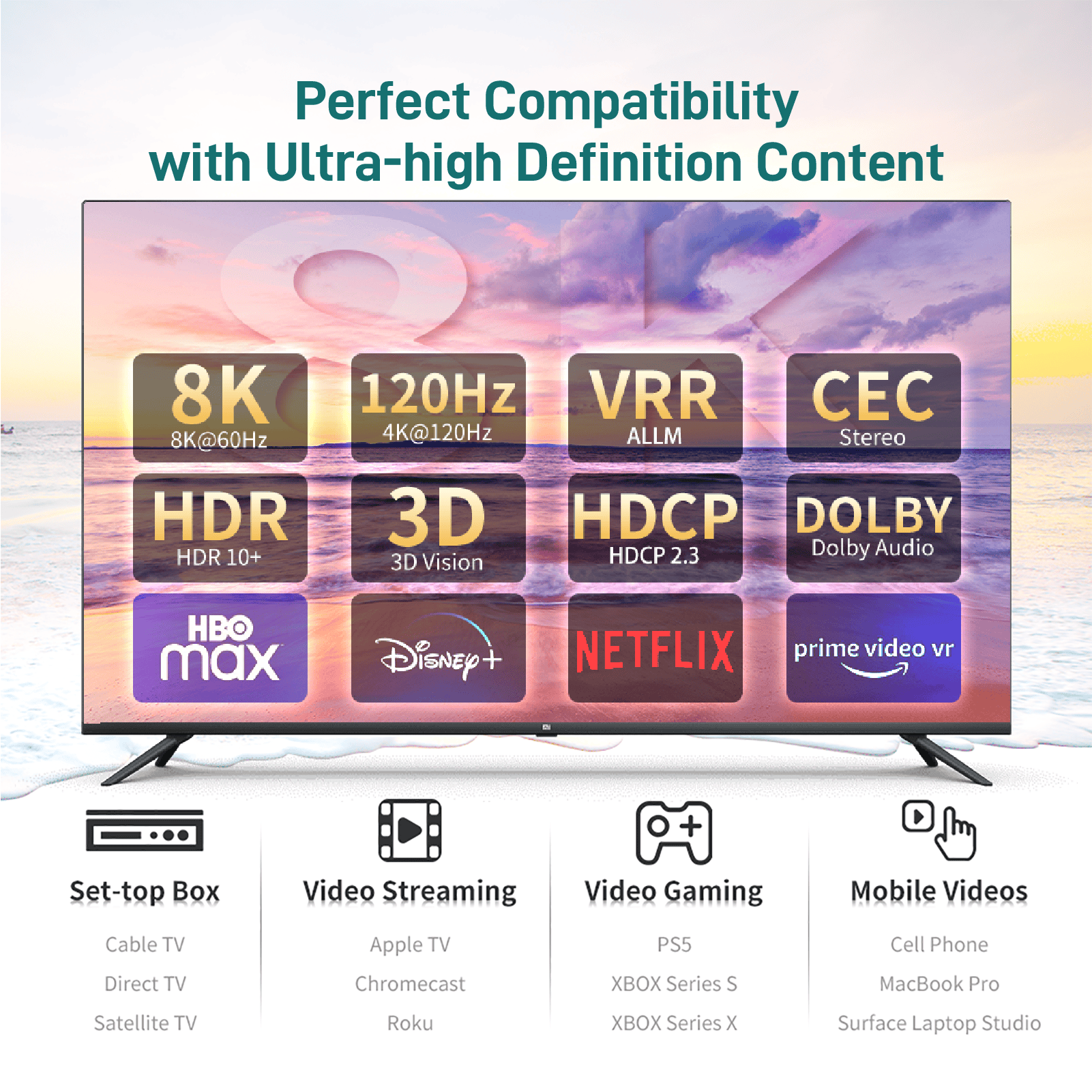

The MSQ-730P is the most cost-effective and state-of-the-art HDMI splitter solution in the market, allowing high-definition video and high-quality audio to be transmitted to 2 different locations without losing any quality. MSQ-730P supports HDR and 8K@60Hz/4K@120Hz video! In addition, this device supports the separation of high-quality digital S/PDIF (Toslink) audio and stereo analog audio from the incoming HDMI signal, providing a quick path to external audio equipment and applications. The built-in USB firmware update mechanism ensures compatibility among a wide range of HDMI sources and receivers. MSQ-730P is ideal for high-quality HDMI 2.1 gaming, broadcasting, e-sports, digital signage, and education applications because of its upmost 8K@60Hz/4K@120Hz and high-definition audio support!
Please Note:
- It is highly recommended to use certified HDMI 2.1 standard cable.
- If there are any issues, please click MAXSQUARE to solve issues through Amazon’s messaging center.
- The device supports firmware updates, and we will continue to release firmware to fix bug.

FEATURES/SPECIFICATION
- HDMI 2.1, HDCP 2.3 / 1.4 Compliant
- Ultra-high Definition Resolutions: Supports Up to 8K@60Hz /4K@120Hz
- Suuports VRR(Variable Refresh Rate) and ALLM(Auto Low Latency Mode)
- Supports CEC on Input and Output 2
- Wide Frequency Range: 25mHz~1188mHz
- Supports Audio Extraction via Toslink/Stereo, Dolby Digital/DTS-HD/LCPM/Dolby True HD Audio
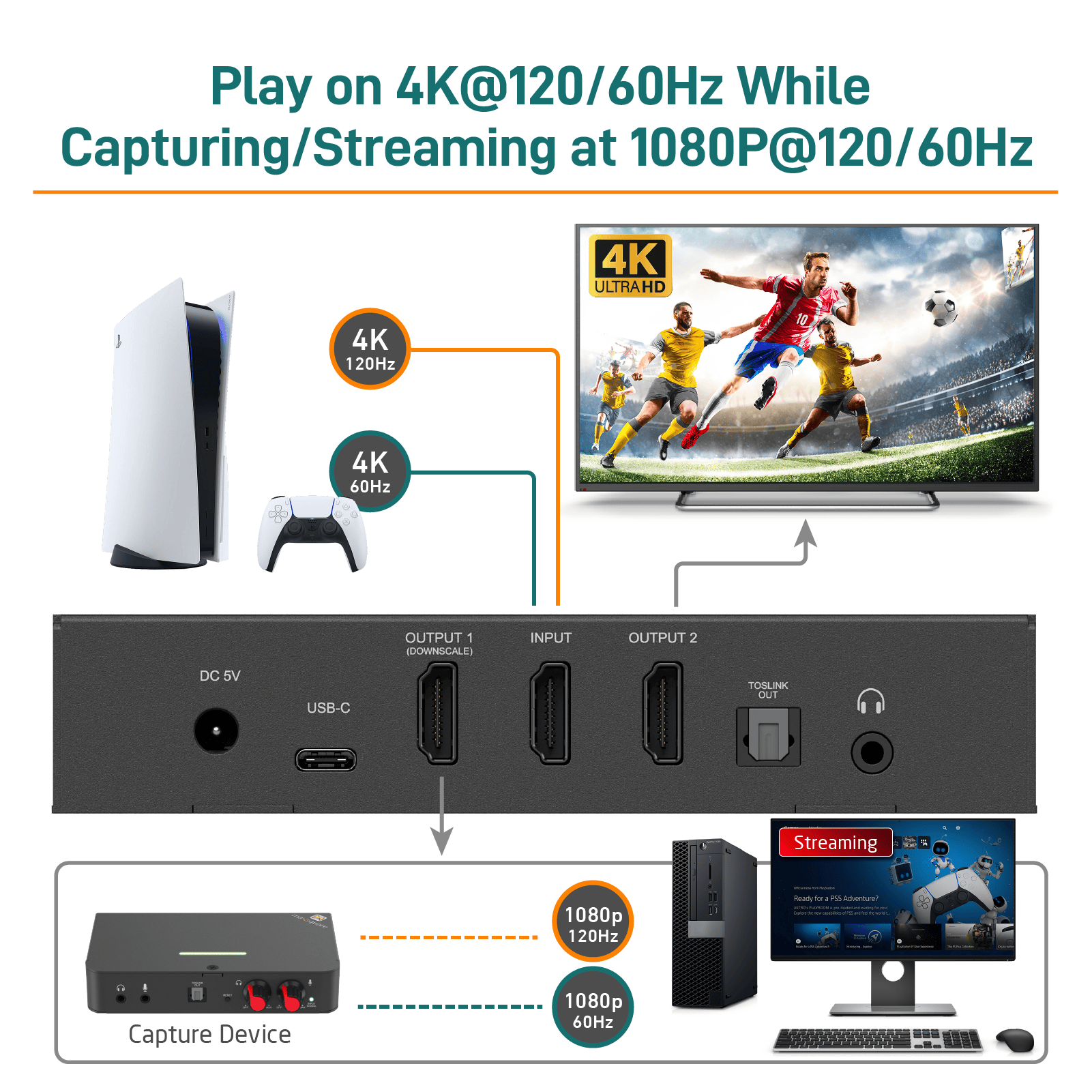
- Supports Resolution Downscale from 8K/4K to 1080p (Output 1)
- Supports Xvycc, X.V. Color and Deep Color
- USB-C Firmware Update for Expanding Compatibility
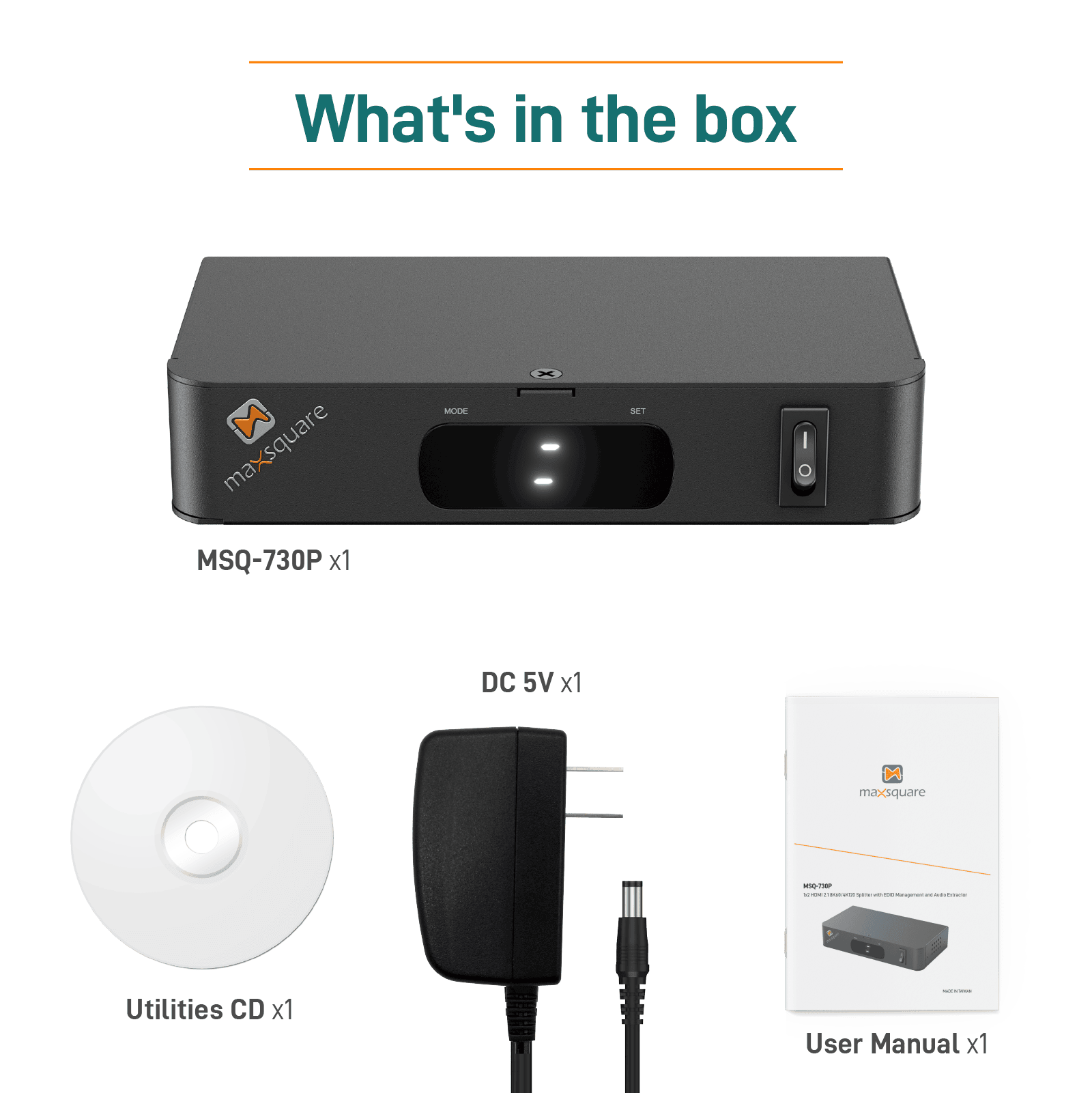
What's in the box
- MSQ-730P x1
- 5V DC Wall Wart x1
- Installation Software CD x1
- User Manual x1

Ultra-low Latency with No Loss of Video/Audio Quality
You can enjoy 8K60 or 4K120 high-quality video and audio from HDMI input sources. This splitter is widely compatible with a variety of sources for video gaming, video streaming, and so on.
And it is the ideal solution for high-quality HDMI 2.1 broadcasting, gaming, home theater, e-sports, digital signage, and education applications.

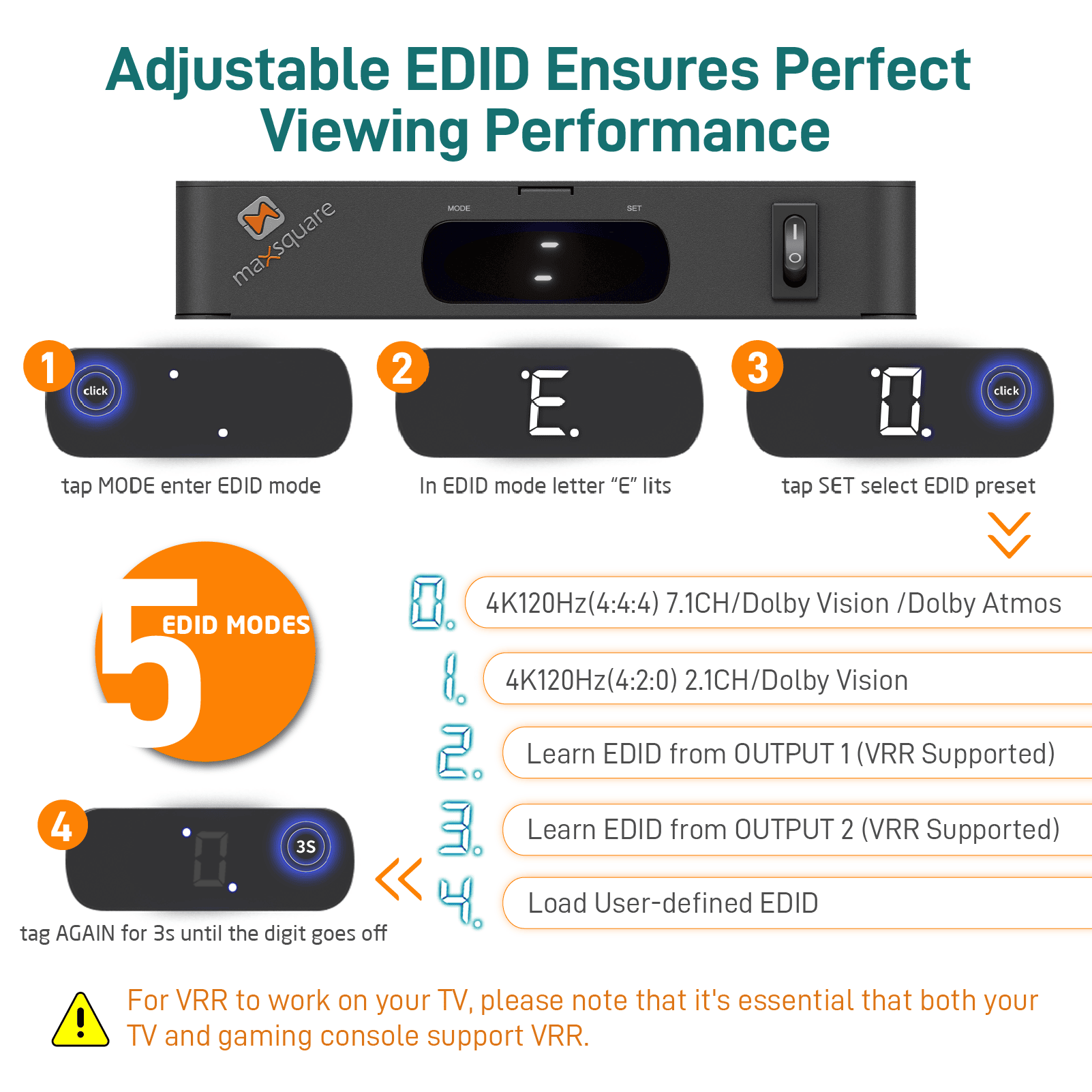
Adjusting EDID Settings with Ease
(1.) Press “MODE” touch button until the front display shows “E”.
(2.) Press “Set” touch button to select mode.
- 0- 4K120Hz 4:4:4 support [7.1ch/Dolby Vision/Dolby Atmos]
- 1- 4K120Hz 4:2:0 support [2.1ch/Dolby Vision]
- 2- Learn EDID from Output 1 [VRR]
- 3- Learn EDID from Output 2 [VRR]
- 4- Load User-Defined EDID
Note
Please make sure your source and TV also support VRR.

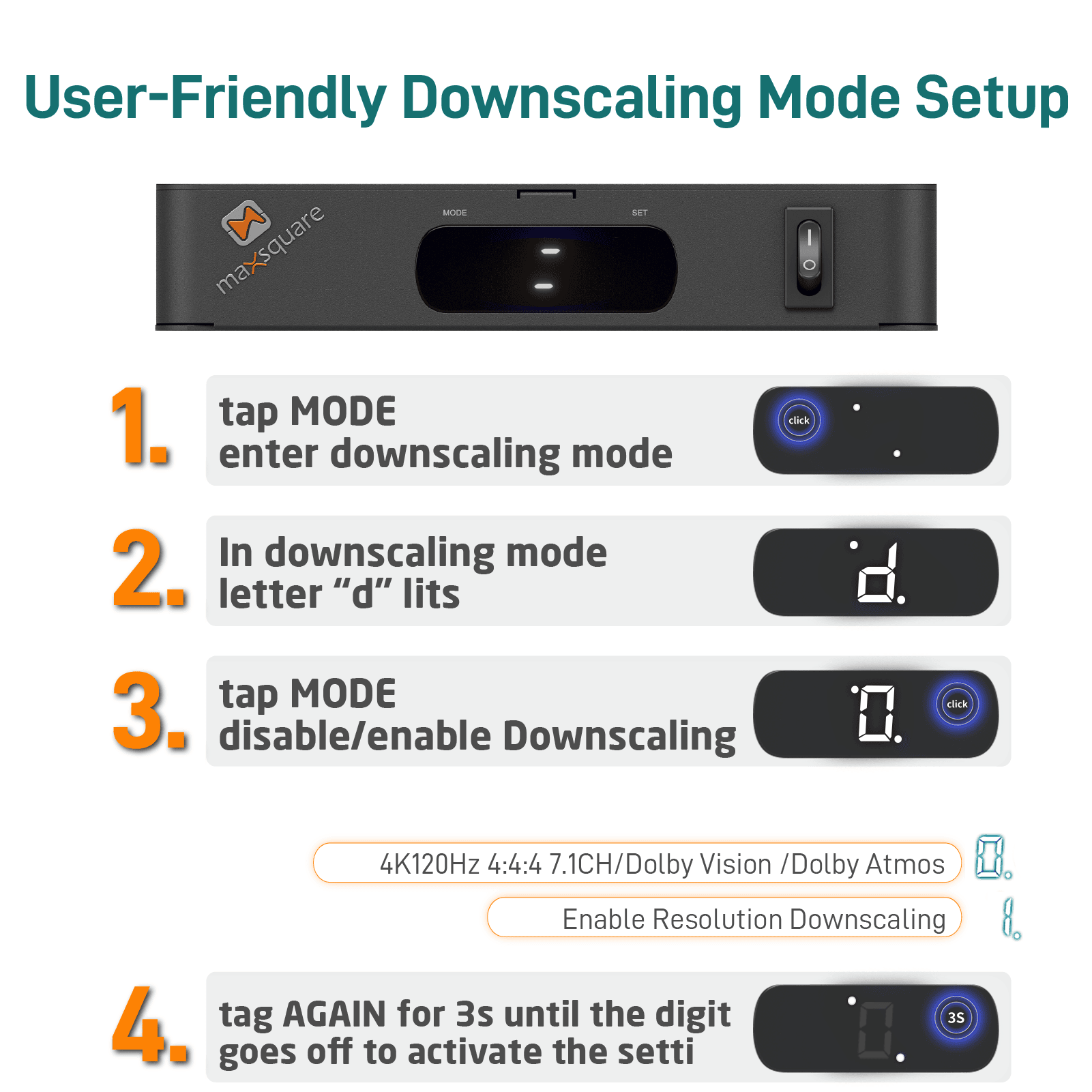
User-Friendly Downscale Function
(1.) Press “Mode” to downscale mode, it will show “d”.
(2.) Press “Set: to Enable(1)/Disable(0)
(3.) Press again for 3 seconds to activate the setting(the digit will goes off)
- Enable- The digit will show “1”
- Disable- The digit will show “0”
Note
1. Downscale function is only available on Output 1.
2. Supported Downscale Resolution:
4K2K to 1080p/5K2K to 2560×1080
FAQ
A: Yes, it support 4K@120Hz on both output 1 and 2.
A: Yes, it does. We recommend use learning EDID or User-defined mode with 8K resolution. However, due to the strict HDMI 2.1 compliance of 8K sources is not always followed by 8K HDMI sources, such as, the graphics cards. The splitter can not ensure the full compatibility for all 8K sources. Nevertheless, the splitter can usually be upgraded, in terms of 8K compatibility, through the most recent updated firmware.
A: Please update to the latest firmware version. After completing the update, we recommend switching the EDID mode to either #1 (4K120hz 4:2:0) or #2/#3 Learning EDID from Out1/Out2 to enable G-sync.
A: Before using VRR, please ensure that both your source and TV support this feature. Once confirmed, please select learning EDID mode to enable VRR. We would like to advise you that using scaling in VRR mode is not recommended, as it may compromise the quality of your display and cause other issues. For example, if you are scaling from 1080P to 4K120, this may affect the overall display quality.
A: The splitter supports downscaling ONLY on Output 1 and supports CEC Pass-Through ONLY on Output 2 with the default firmware. If you have specific requirements for this configuration, we can revise the firmware for you.